Plan rulesPress reportsBackgroundIndependent, not affiliated with SpaceX
New Starlink Residential customers rent the dish for $10 a month and can’t use Standby Mode
Since mid-June 2026, new Residential customers get hardware only as a $10/month rental, and rented kits can’t use Standby Mode. What it means for seasonal farm sites.
- Announced or first reported
- Effective
- Published
- Last updated
What changed
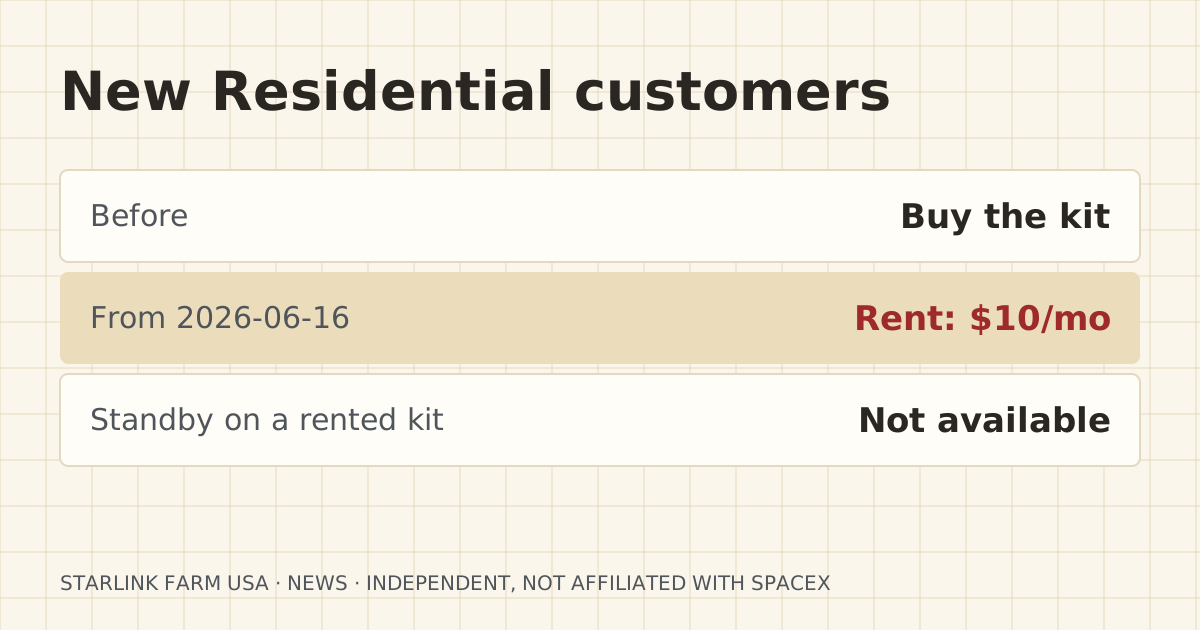
Mobile Internet Resource Center reported on 2026-06-16 that new Starlink Residential customers can no longer buy the dish outright from Starlink. Instead they rent it for $10 a month, and Starlink keeps ownership. The report says rented hardware “cannot use features such as Standby Mode,” and that customers who already own their kit are not affected.
The report lists ways to still own a dish. You can start on a Roam plan and switch to Residential later, or buy a dish at a retailer such as Home Depot or Best Buy and put it on Residential directly. Current renters can ask support to buy the kit.
| Item | Before | After | Source date |
|---|---|---|---|
| How new Residential customers get hardware | Buy it (or no-fee rental in some areas) | $10/month rental only | 2026-06-16 |
| Standby Mode on rented hardware | n/a | Not available | 2026-06-16 |
| Existing owners | Own their kit | Not affected | 2026-06-16 |
Who it affects
Anyone signing up for Residential service for the first time: a new farm, a land purchase, a second home on the place. It matters most where service is seasonal: a hunting camp, a summer pasture house, a remote camera site you only watch part of the year. The report calls out “security cameras, remote monitoring systems” as uses where Standby helps.
What it means for your setup
If you planned to keep a dish on Standby at a seasonal site so cameras keep a trickle of connection, renting rules that out. You would pay the full plan or cancel and return the kit. Owning the kit, through a retailer or the Roam-first route, keeps Standby available.
Standby’s 500 Kbps cap is too slow for live camera video anyway. It can carry alerts, but not remote viewing. Our camera guide explains upload needs. For a seasonal site you want to watch live, a bridge to a building with full service usually beats a second dish.
For a land test, renting on Residential is the wrong tool anyway. A test uses a portable dish on Roam.
What to do now
- If you’re about to order Residential for a seasonal site, decide first whether you need Standby. If you do, look at buying the hardware rather than renting.
- If you already rent and want to own, the report says to open a support ticket and ask to buy.
- If you cancel a rental, return the kit. The report says Starlink charges full price for unreturned hardware.
What stays the same
- Customers who already own their hardware keep Standby Mode.
- Roam customers can still buy hardware.
- The 500 Kbps Standby cap.
What we don’t know yet
- Whether Starlink will extend rental-only hardware to Roam.
- Whether a retailer-bought kit on Residential will always be able to use Standby. Starlink hasn’t said, as far as we found.
Sources
- Starlink Implements $10 Rental Fee For Residential Plans – New Customers No Longer Own Their Dish, Mobile Internet Resource Center. Source date: 2026-06-16. Secondary. Retrieved 2026-10-06.
Corrections
No corrections since publication. Spotted an error? Tell us.