Starlink hardwarePrimary sourceBackgroundIndependent, not affiliated with SpaceX
Starlink ends software updates for the Gen 1 router and offers a free Router Mini
Starlink began emailing Gen 1 router owners in November 2025: updates are ending and a free Router Mini is offered. The Router Mini needs its own power, not PoE.
- Announced or first reported
- Effective
- Starlink says updates end “in the near future” and gives no date.
- Published
- Last updated
What changed
Starlink’s support article “Gen 1 Router Replacement” says that in November 2025 it “began emailing customers using the Gen 1 Router to let them know that software updates for this hardware will be discontinued in the near future.” Affected customers get a free Router Mini by clicking “Claim Free Router” in the email. You don’t need to return the Gen 1 router.
The Gen 1 router keeps working, but Starlink says that without updates it “cannot guarantee long-term security, performance, or reliability.” DISHYtech, writing on 2025-12-18, gives the Gen 1 router’s model number as UTR-201. It says only Gen 1 systems that are online get the email, so a seasonal system may need to be powered up to be flagged.
| Item | Before | After | Source date |
|---|---|---|---|
| Gen 1 router (model UTR-201) software updates | Supported | Ending; no date given | 2025-11 |
| Replacement | n/a | Free Router Mini, claimed by email | 2025-11 |
| Router power | Gen 1: powered over Ethernet from the brick | Router Mini: its own 15 W adapter | 2025-11 |
Who it affects
Owners of the earliest round-dish kits (2020–2021) who still use the original router. On farms, those old kits often end up in a shop or second house.
What it means for your setup
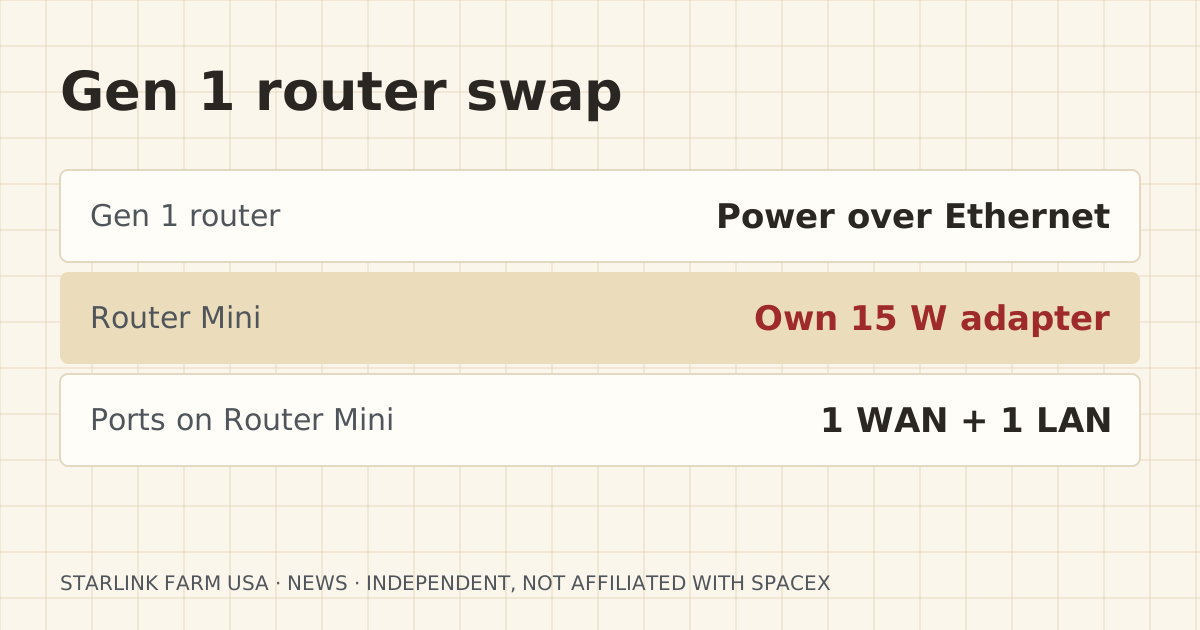
The swap has one wiring catch. The Gen 1 router took its power over the Ethernet cable from the power brick. Starlink says the Router Mini “requires its included 15W power supply” and can’t be powered by that cable. You need an outlet where the router sits. In a barn or shop that may mean running power to the router shelf.
The Router Mini has one WAN and one LAN port. If your barn link plugged into the router, it moves to the Router Mini’s LAN port. If you need more wired ports for a Cat6 run plus a camera NVR, add a small switch.
An unsupported router at the edge of your network is a security risk, especially with cameras behind it.
What to do now
- Check the label under your router. If it says UTR-201, it’s a Gen 1.
- Power the system up and watch for Starlink’s “Claim Free Router” email. If none comes, contact Starlink support.
- Before you swap, write down your Wi-Fi name and password and reuse them on the Router Mini so devices reconnect on their own. Starlink’s article says the same.
- Make sure there’s an outlet near the router spot.
What stays the same
- The Gen 1 dish itself. DISHYtech reports it keeps getting updates.
- Your barn link hardware. It just moves to the new router’s LAN port.
What we don’t know yet
- The date Gen 1 router updates actually stop.
Sources
- Gen 1 Router Replacement, Starlink Help Center. Source date: undated, read 2026-10-06. Primary. Retrieved 2026-10-06.
“The Router Mini requires its included 15W power supply.”
- Starlink Gen 1 Router Is Now Obsolete – Free Replacement Available, DISHYtech. Source date: 2025-12-18. Secondary. Retrieved 2026-10-06.
Corrections
No corrections since publication. Spotted an error? Tell us.